01
AI API integration
Connect WordPress to OpenAI, Claude, or other supported AI APIs for custom features built around your own workflow.
WordPress AI automation developer
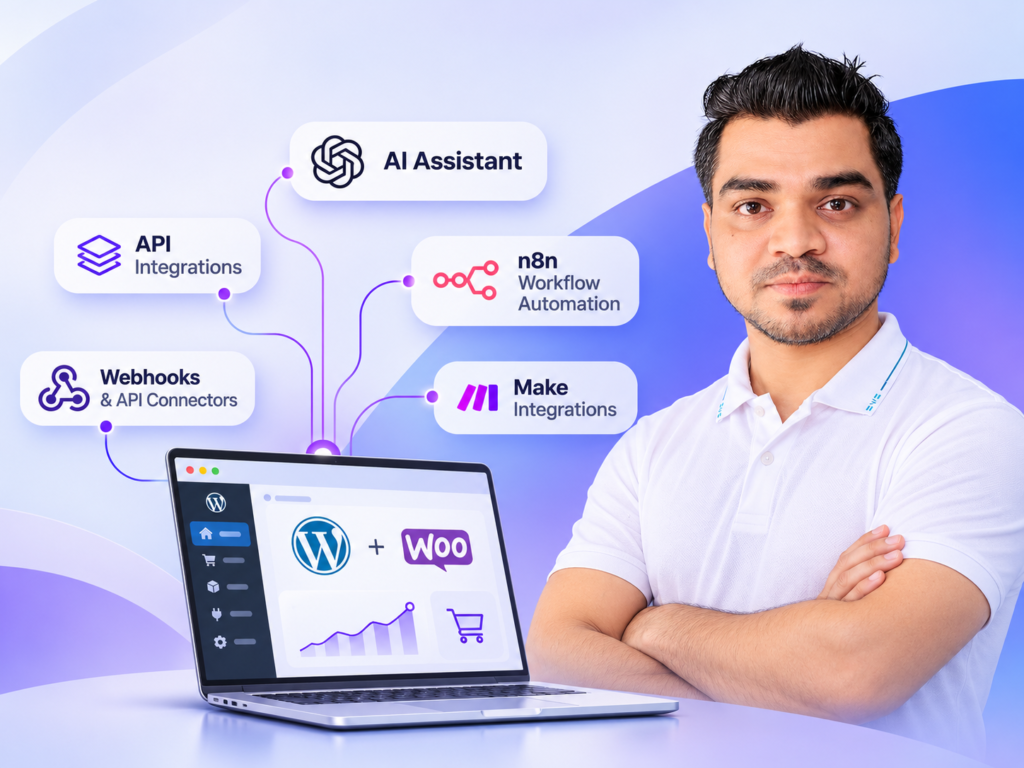
I connect WordPress and WooCommerce with AI APIs and automation tools to build practical workflows for content, customer support, internal operations, product data, and custom business processes.
OpenAI · Claude · n8n · Make · Webhooks · Custom APIs
Beyond a generic chatbot
The value usually comes from connecting models to the right WordPress data and actions, not from adding a standalone AI widget that users could replace with a free chat tool.
Ways I can help
01
Connect WordPress to OpenAI, Claude, or other supported AI APIs for custom features built around your own workflow.
02
Use webhooks, n8n, Make, scheduled tasks, or custom code to move information between WordPress, AI services, and external platforms.
03
Build admin-side assistants for content processing, categorization, summaries, structured data, moderation, or repetitive operational tasks.
04
Create controlled product, order, support, or catalogue workflows where AI can assist without replacing the business rules that keep the store dependable.
How the work moves
You work directly with the developer responsible for understanding, building, and testing the solution.
I map the current manual workflow, the inputs, the expected output, and the decisions that still need human control.
We define what data can be sent, when AI should run, how results are validated, and what WordPress action follows.
I connect the model API, WordPress data, webhooks, automation tools, and custom logic using a maintainable implementation.
I test realistic inputs, invalid responses, timeouts, approval steps, and fallback behavior so the workflow is useful beyond a demo.
What matters in the implementation
Maintainable · Tested · Business-focusedI focus on automations that save repetitive effort, improve a workflow, or create a capability the website could not provide before. Where AI is unreliable, the workflow should include validation or human review instead of pretending otherwise.
A useful fit
This service works well when there is a clear repetitive task, a WordPress or WooCommerce data source, or an existing process that needs AI-assisted classification, generation, analysis, routing, or automation.
Share the current setup, the problem, and the outcome you need. I will tell you what I would investigate first.
Frequently asked
Yes. I can connect supported model APIs to custom WordPress or WooCommerce workflows and build the surrounding logic needed to make the feature useful inside the site.
Yes. Depending on the requirement, I can use n8n, Make, webhooks, REST APIs, or custom WordPress code to coordinate the workflow.
Not always. I use a custom plugin when the workflow needs reliable WordPress-side logic, settings, permissions, scheduled tasks, custom endpoints, or maintainable code that should not live in a page builder.
It can, but automatic actions should be designed carefully. For higher-risk changes I normally recommend validation, approval, logging, or clear business rules before the action is committed.
Describe the repetitive task or workflow, what data goes in, what result you want, which WordPress or WooCommerce data is involved, and any external tools or AI provider you already plan to use.
Primary next step
Send the current process, the repetitive steps, and the result you want. I will help identify where AI or automation genuinely adds value and what should remain conventional code.
Need help with a website project?
Chat on WhatsApp