01
Business workflow plugins
Build custom data, permissions, admin screens, forms, actions, notifications, and workflow rules around the way the business actually operates.
Custom WordPress plugin developer
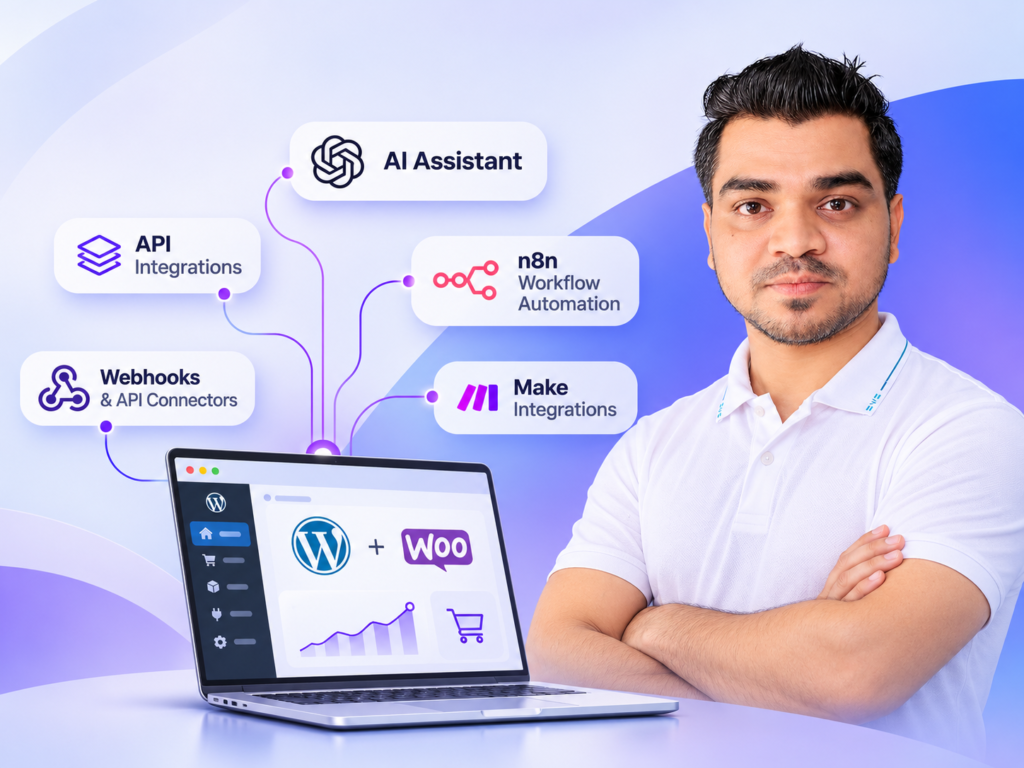
I develop custom WordPress and WooCommerce plugins for workflows, integrations, admin tools, product logic, background jobs, APIs, and business-specific functionality that off-the-shelf plugins cannot handle cleanly.
Custom plugins · WooCommerce extensions · REST APIs · Admin tools · Background jobs
When existing plugins stop fitting
The goal is not to rebuild functionality that a reliable plugin already handles well. Custom development is useful when the business logic, integration, permissions, data model, or workflow genuinely needs its own implementation.
Ways I can help
01
Build custom data, permissions, admin screens, forms, actions, notifications, and workflow rules around the way the business actually operates.
02
Add custom product logic, checkout behavior, pricing rules, order workflows, account features, subscriptions-related logic, or store-specific functionality.
03
Connect WordPress with external services using secure endpoints, authentication, webhooks, scheduled processing, retries, and data synchronization.
04
Create internal dashboards, settings, bulk actions, scheduled tasks, import/export tools, operational utilities, and controlled automation.
How the work moves
You work directly with the developer responsible for understanding, building, and testing the solution.
I review the current website, existing plugins, data, users, edge cases, and the exact outcome the plugin needs to produce.
We decide what should be stored, which hooks and APIs are appropriate, how permissions work, and how failures or unusual states should be handled.
I implement the functionality without hiding critical business logic inside a page builder or theme when it belongs in a plugin.
I test the important user paths, data changes, edge cases, permissions, integrations, and deployment behavior before handover.
What matters in the implementation
Maintainable · Tested · Business-focusedI keep custom functionality focused, use WordPress and WooCommerce APIs where appropriate, and avoid unnecessary dependencies so the feature remains easier to understand, test, and extend later.
A useful fit
This is a strong fit when the functionality is commercially important, tied to a unique workflow, or needs dependable integration with other systems. If an existing plugin is the better solution, I will recommend that instead.
Share the current setup, the problem, and the outcome you need. I will tell you what I would investigate first.
Frequently asked
Yes, when the existing plugin provides safe extension points such as hooks, filters, APIs, or documented integrations. I prefer extending cleanly rather than modifying vendor files.
Yes. I can build custom WooCommerce functionality around products, orders, checkout, customer accounts, pricing, webhooks, subscriptions-related workflows, and integrations depending on the requirement.
Business logic that belongs in the plugin is kept separate from the theme, which reduces dependence on the current design. Compatibility still depends on WordPress, WooCommerce, PHP, and third-party API changes over time.
Yes. Custom settings, permissions, admin screens, logs, bulk actions, status tools, and operational controls can be included when they are useful for managing the feature.
Send the website URL, the business requirement, what the user or admin should be able to do, any existing plugin involved, and any API or external system the feature needs to connect with.
Primary next step
Send the current setup, the business rule, and the outcome you need. I will review whether custom plugin development is the right approach and suggest the simplest maintainable solution.
Need help with a website project?
Chat on WhatsApp